
Social Media Content Creator
for Videos
Create videos for Reels, TikTok and Shorts from your own photos, videos and music.
Add multiple photos/videos
Drag & drop files here, or click to browse
Music Video Examples Made with VidxCut
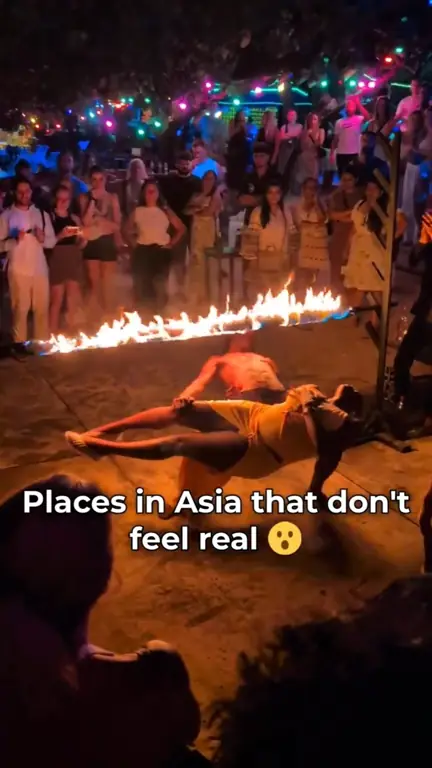
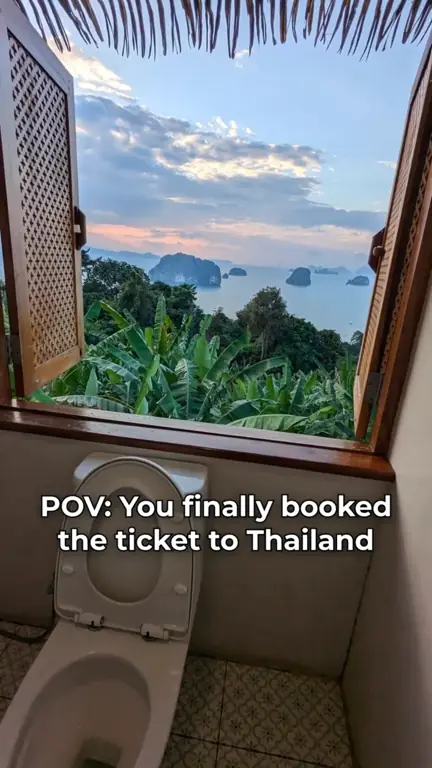
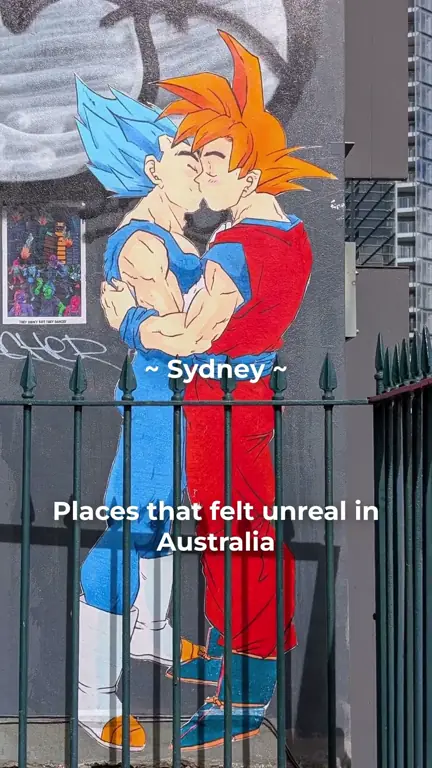
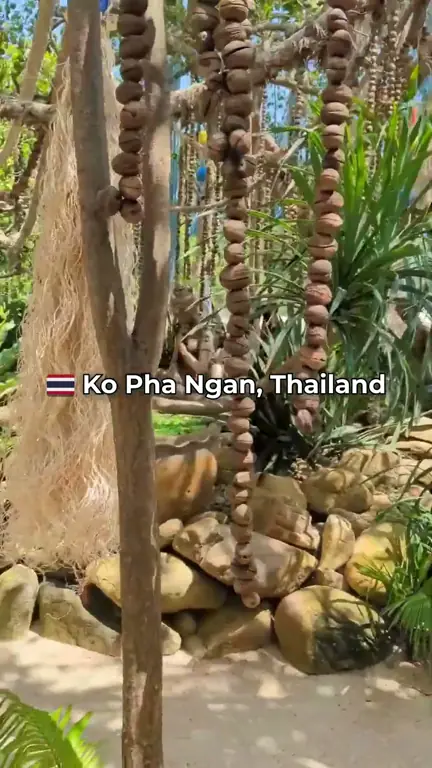
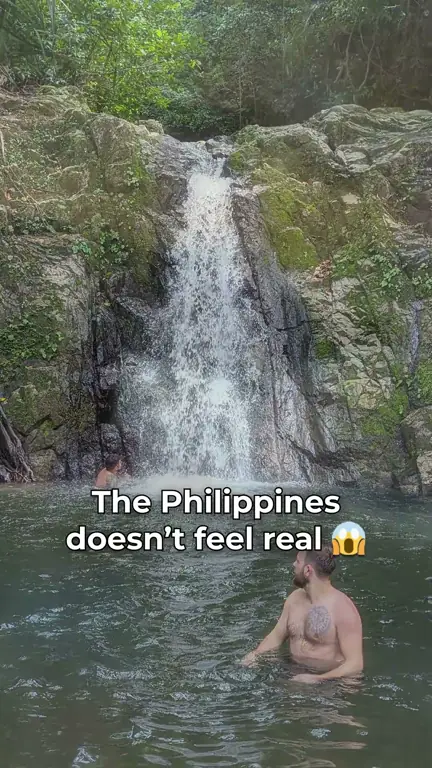
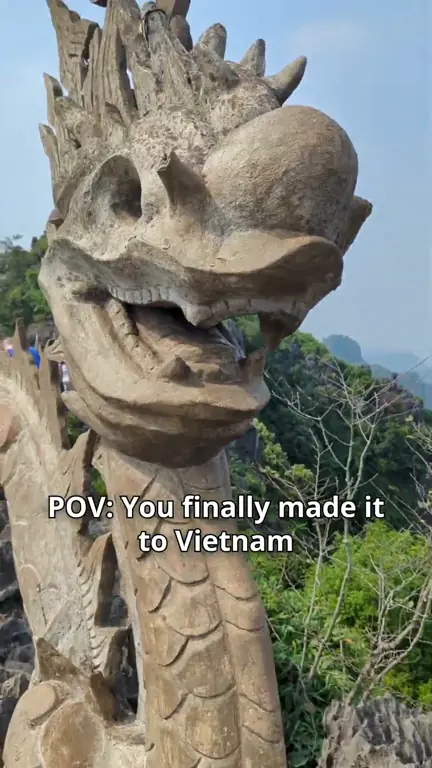
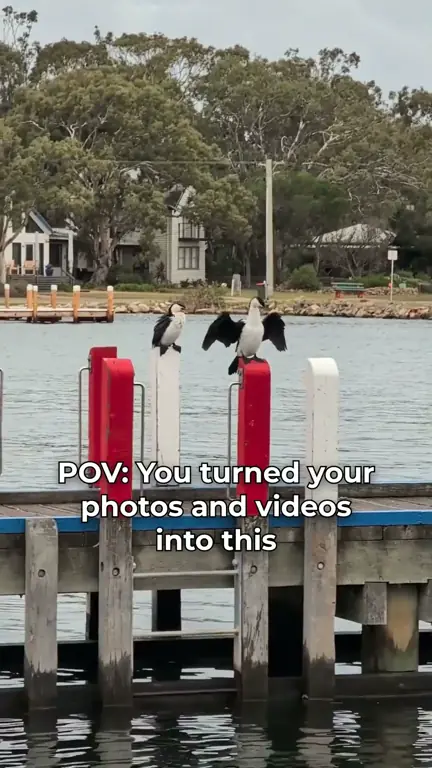
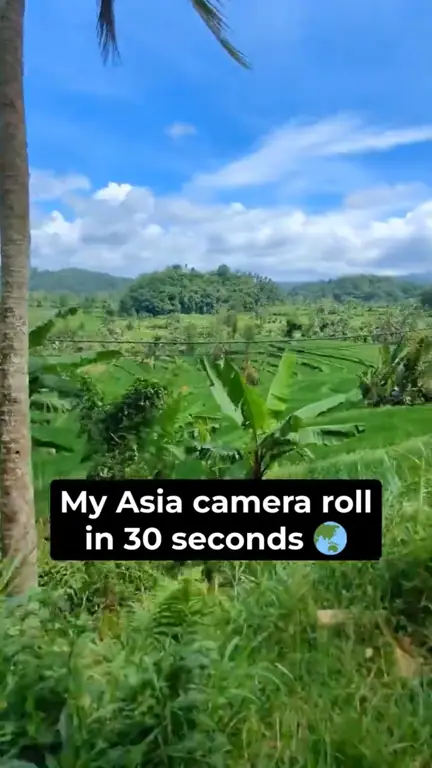
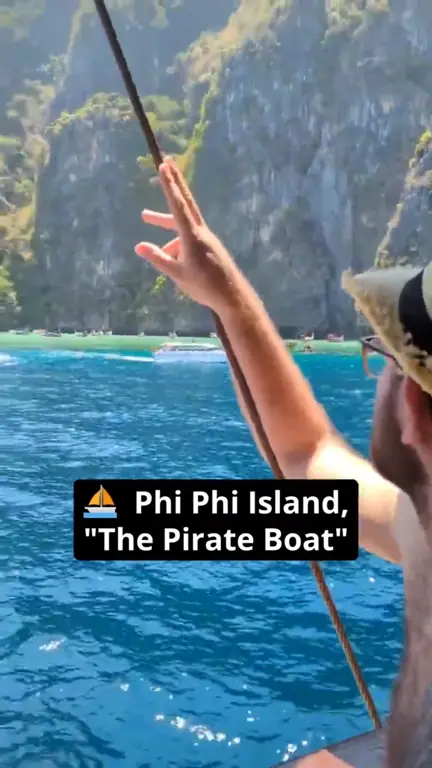
1 of 19: Most beautiful places in Asia 😱 #travel #asia #explore
How it Works – Video Content Creation in 3 Steps
Upload Your Photos and Videos
4 photos will be used for this demo
Choose Music and Starting Point
Emotional Emotional Music
Wellerman (Soon May the Wellerman Come)
Action Action Music
Create and Share Your Video


 Demo preview on repeat, not a real render
Social Media Video Maker for Reels and Shorts
Add Text to Video
Choose Video Transition
Social Media Video FAQ
Which social media video formats can I create?
Choose 9:16 for TikTok, Instagram Reels and YouTube Shorts, 1:1 for the Instagram feed or 16:9 for YouTube.
Does VidxCut post videos to my social media accounts?
No. VidxCut creates the video and you download it, then post it on TikTok, Instagram or YouTube yourself. On mobile, the share menu can open their upload pages for you.
Can I use my own music in Reels and TikTok videos?
Yes, you can upload your own song. Please only use songs you have the rights to.
Can I add text to my social media videos?
Yes. In the online video editor, click or tap "Add Text" to add a hook or captions, then choose the font, color, style and timing.
Is VidxCut free for content creators?
Yes. Try VidxCut free, no signup needed: 1 render per day, videos up to 1 min long, in 720p with a watermark.
Want more? You can try PRO free for 3 days: unlimited renders, videos up to 15 min, and 1080p HD with no watermark.
Turn your next post into a music video.
Add Photos & Videos