
Online Video Editor
& Music Video Maker
Transform your photos and videos into an automatically beat synced video clip in minutes. No video editing skills needed.
Add multiple photos/videos
Drag & drop files here, or click to browse
Music Video Examples Made with VidxCut
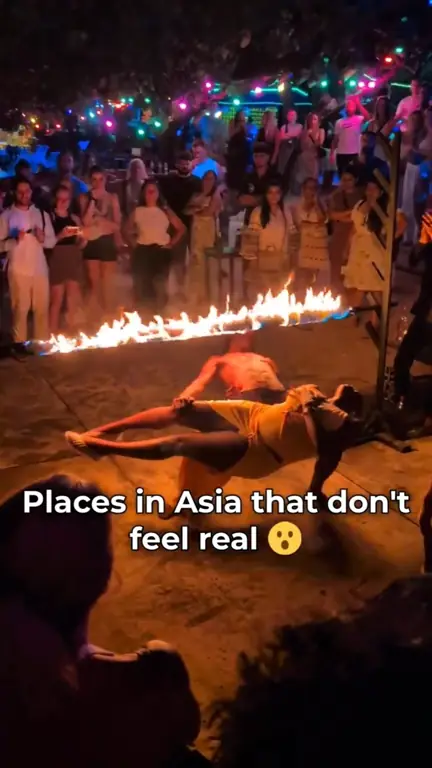
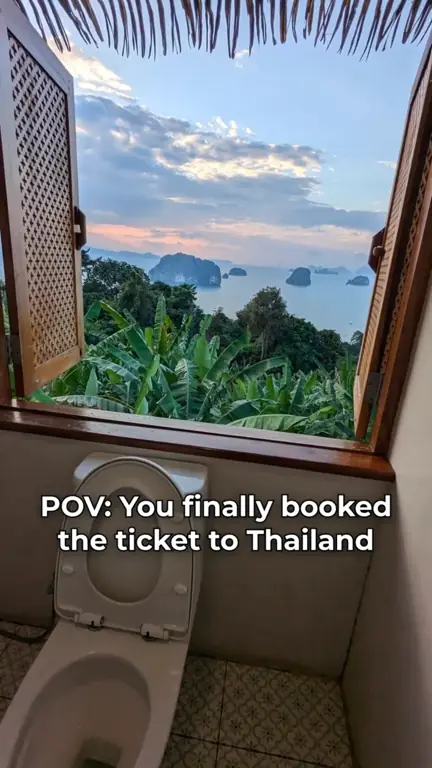
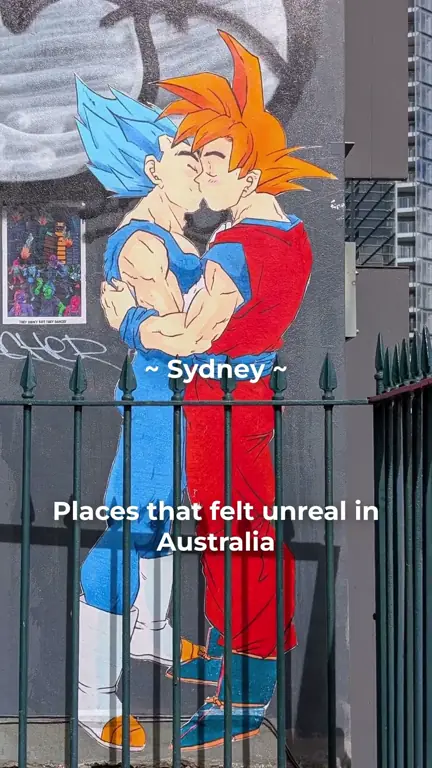
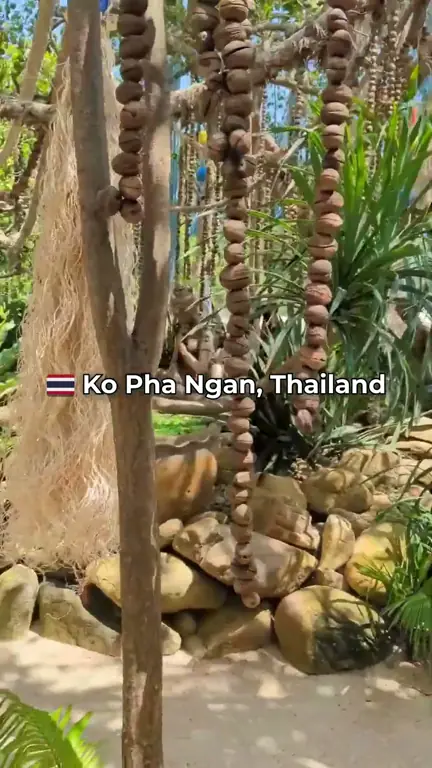
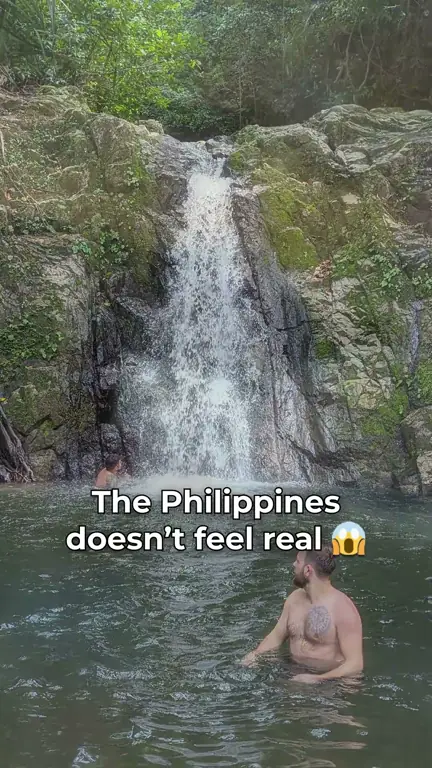
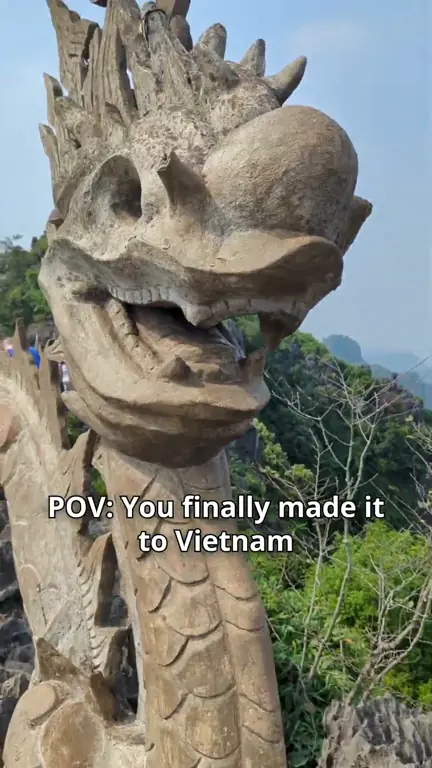
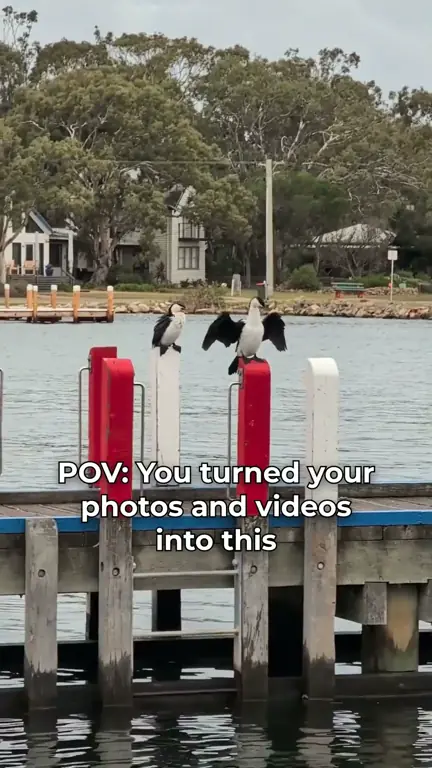
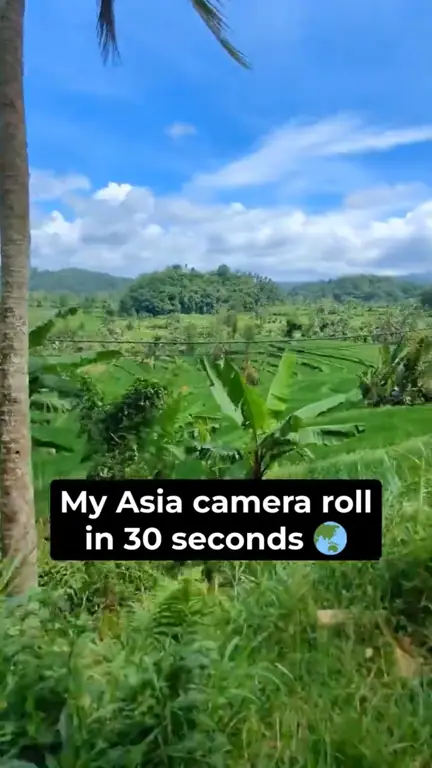
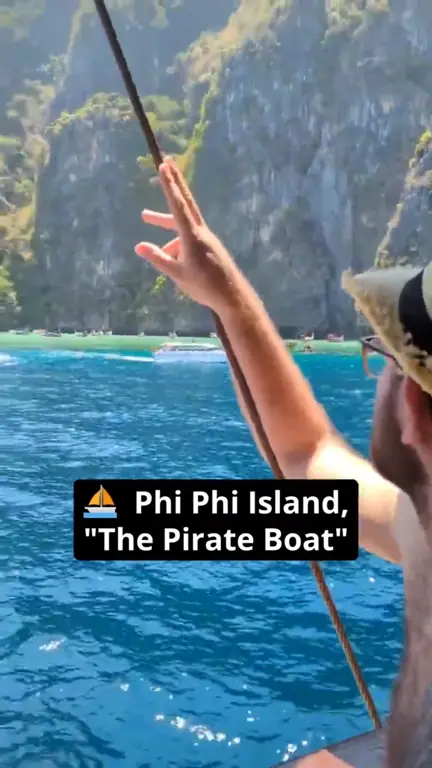
1 of 19: Most beautiful places in Asia 😱 #travel #asia #explore
How it Works – Creating a Music Video in 3 Steps
Upload Your Photos and Videos
4 photos will be used for this demo
Choose Music and Starting Point
Emotional Emotional Music
Wellerman (Soon May the Wellerman Come)
Action Action Music
Edit, Preview and Render


 Demo preview on repeat, not a real render
Video Editing Tools for Your Photos and Videos
Add Text to Video
Choose Video Transition
Apply Video Filters

Online Video Editor FAQ
What photo and video formats can I upload?
Videos in MP4, MOV, WebM, MKV and AVI, and photos in JPG, PNG, WebP, HEIC, HEIF and AVIF, straight from your phone or camera.
Is this video editor free to use?
Yes. Try VidxCut free, no signup needed: 1 render per day, videos up to 1 min long, in 720p with a watermark.
Want more? You can try PRO free for 3 days: unlimited renders, videos up to 15 min, and 1080p HD with no watermark.
Can I upload my own song?
Yes, you can upload your own song. Please only use songs you have the rights to.
How long does it take to make a music video?
Usually just a few minutes. Large videos take longer to upload, but the beat sync itself is fast.
Do I need to install this online video editor?
No. VidxCut runs in your web browser on your computer or phone, so there is nothing to download or install.
How can I automatically sync video to music?
Upload your photos and videos and choose a song. VidxCut finds the beat and places every cut on it for you, and you can pick which part of the song to use.
How can I add text to video online?
In the editor, click or tap "Add Text". Choose the font, color, style and position, then drag the text bar along your clips to choose when it appears and how long it stays on screen. Popular fonts are free, and PRO unlocks every font.
Can I use photos and videos in the same project?
Yes. Mix photos and videos in any order, or make a picture slideshow with music from photos alone. Videos keep their motion, photos get a gentle zoom, and everything is cut to the same beat.
Can I create videos for social media?
Yes, you can create videos for social media with VidxCut. Export in 9:16 for TikTok, Instagram Reels and YouTube Shorts, 1:1 for the Instagram feed or 16:9 for YouTube, then download your video and post it.
Create Your Music Video
Free to try, no signup required. Your photos and videos, your song, cut to the beat in minutes.