
Video Editing Software
for Beginners
Create your first music video from your photos and videos. No editing skills needed.
Add multiple photos/videos
Drag & drop files here, or click to browse
Music Video Examples Made with VidxCut

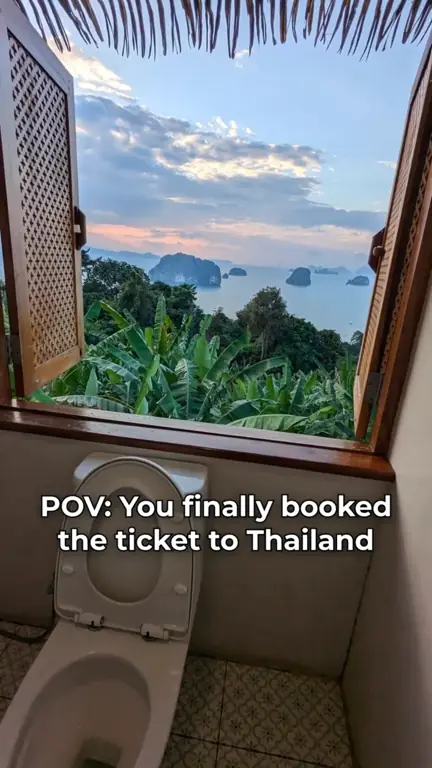


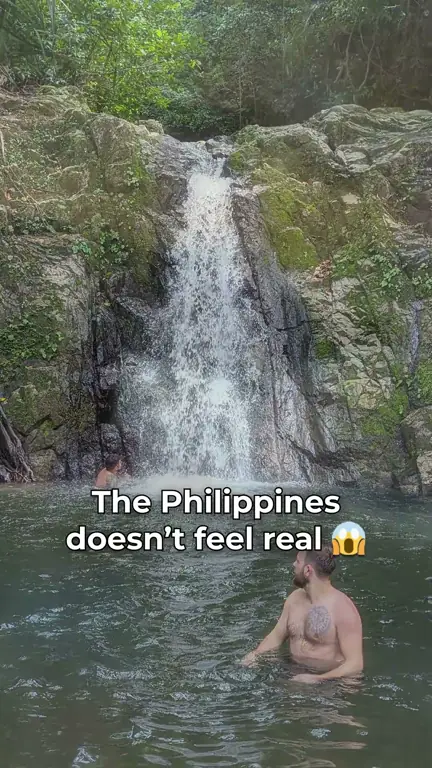

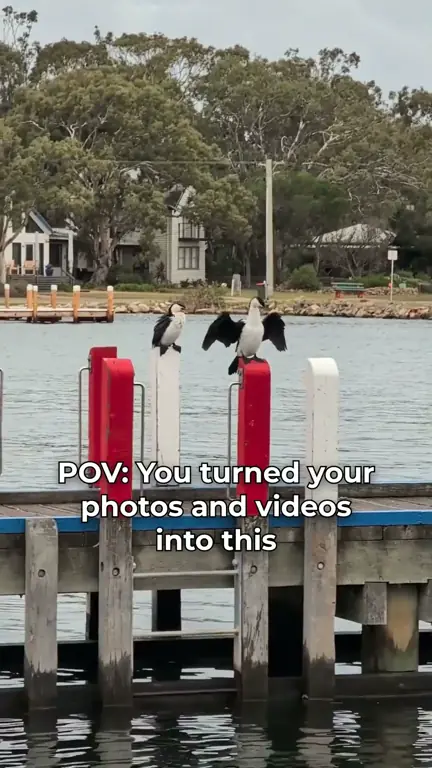


1 of 19: Most beautiful places in Asia 😱 #travel #asia #explore
How it Works – Make Your First Video in 3 Simple Steps
Upload Your Photos and Videos
4 photos will be used for this demo
Choose Music and Starting Point
Emotional Emotional Music
Wellerman (Soon May the Wellerman Come)
Action Action Music
Preview and Render



 Demo preview on repeat, not a real render
Video Editing Tools for Beginners
Add Text to Video
Apply Video Filters

Adjust Clip Length
Free Video Editing Software for PC and Mac
VidxCut runs in your web browser, so it works the same on a Windows PC and a Mac. There is nothing to download or install, and you can start without an account.
The free plan gives you 1 render per day, videos up to 1 min long and 720p exports with a small watermark. PRO adds unlimited renders, videos up to 15 min and 1080p HD exports without a watermark.
Beginner Video Editing FAQ
Is VidxCut good video editing software for beginners?
Yes. You add photos and videos, pick a song, and VidxCut cuts everything to the beat for you. You can adjust clips, text and transitions afterwards, but your first edit is ready without any editing.
Pro tip: add more photos and videos for better results.
Is this free video editing software for PC?
Yes. VidxCut runs in the web browser on your Windows PC. Try VidxCut free, no signup needed: 1 render per day, videos up to 1 min long, in 720p with a watermark.
Want more? You can try PRO free for 3 days: unlimited renders, videos up to 15 min, and 1080p HD with no watermark.
Can I use VidxCut as video editing software on a Mac?
Yes. Open VidxCut in your browser on your Mac and upload photos and videos from your computer. Nothing needs to be installed.
Do I need to download anything to edit videos?
No. VidxCut is an online video editor: it works in your browser, your photos and videos are uploaded and edited online, and you download the finished video when it is ready.
Can I use VidxCut instead of the CapCut video editor or Canva video editor?
It depends on what you need. CapCut and Canva offer broad editing and design tools. VidxCut focuses on one job: turning your photos and videos into a music video that is cut to the beat automatically, right in your browser. You can also use VidxCut alongside other tools.
Make your first video in a few minutes.
Add Photos & Videos